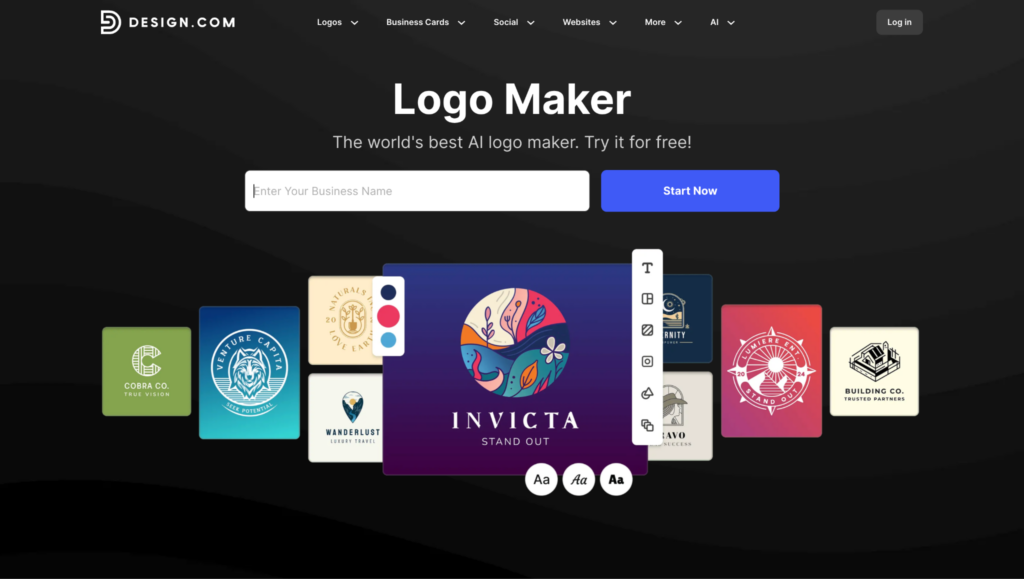
Creating a logo used to take so much time and effort before. But this is no longer the case. Today, AI logo makers make this whole process so much easier. You can create a logo in minutes, even if you have no design experience.
But not all tools are the same. Some focus on speed, others on design quality, and some offer full branding tools.
In this article, we’ll compare three popular options: Design.com, BrandCrowd, and Turbologo.
What to Consider Before Choosing a Logo Generator
Before choosing a tool, here are a few things that matter most:
- Speed – How fast you can create a logo
- Quality – Whether the designs look professional
- Customization – How easy it is to edit your logo
- Options – How many logo ideas do you get
- Extra tools – Things like branding, websites, or social media designs
Design.com
Design.com is more than just a logo maker. It’s a full design platform that helps you create your entire brand.
Key Features
- Huge template library
You get access to over 400,000 logo templates and more than 1 million design assets.
- Very fast logo creation
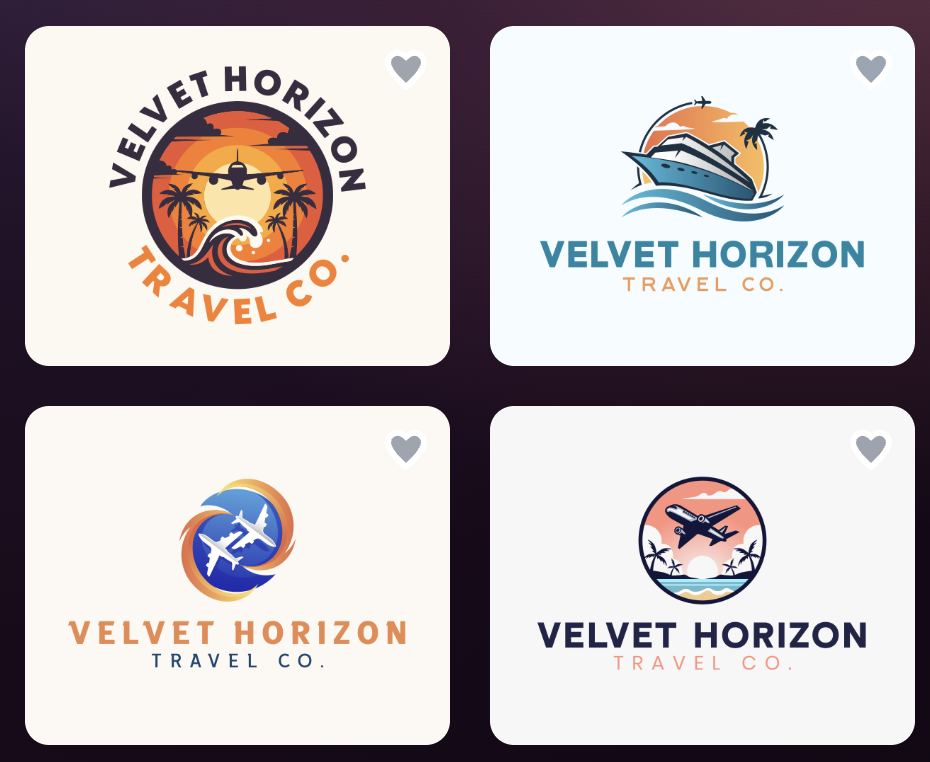
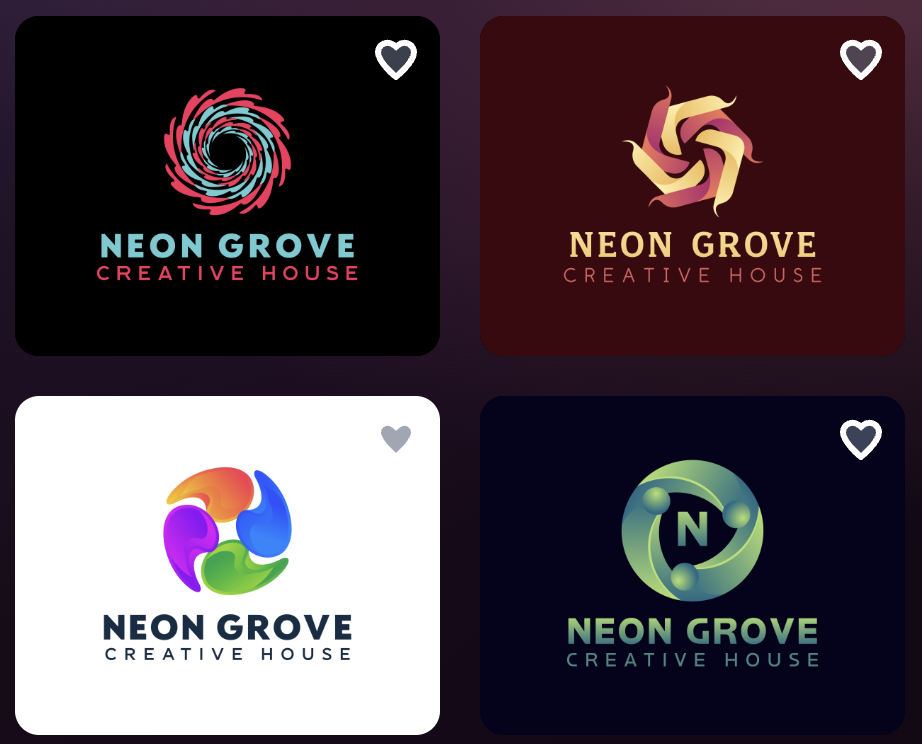
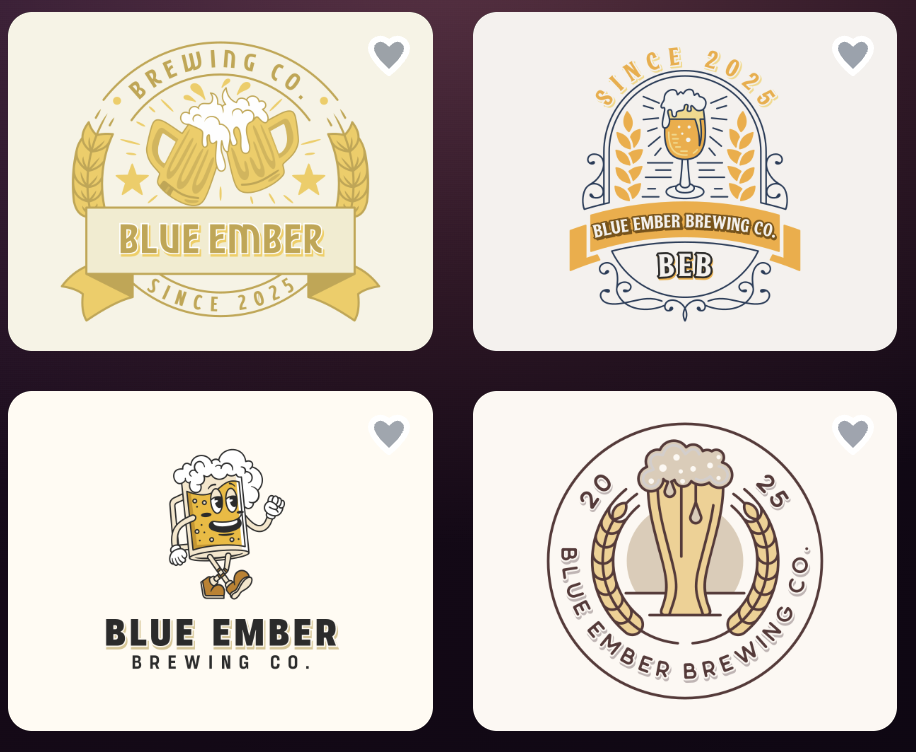
Just enter your business name and you’ll get many logo ideas in seconds, which saves a lot of time. Here are some logo examples:
- Easy AI editing
You can quickly change colors, fonts, icons, and layouts without needing design skills.
- All-in-one branding tools
You can also create websites, business cards, and social media designs using the same platform.
- Safe to use commercially
Logos are checked for originality, so you can use them for your business without worry.
- Multiple file formats
You can download your logo in different formats, so it works for both online use and printing.
Overview
- Speed: Very fast
- Quality: High
- Options: Thousands of logos
Pricing
- Free option available
You can download selected logos for free and use basic tools without paying.
- Paid plans for full access
To download designs created with advanced tools and unlock full features, you’ll need a premium plan.
Pros
- Very fast and easy to use
- High-quality, ready-to-use logos
- 400K+ logo templates & 1M+ design templates
- Includes many extra design tools
Limitations
- Less technical integration
- Web-based only
- Not built for advanced manual design work
BrandCrowd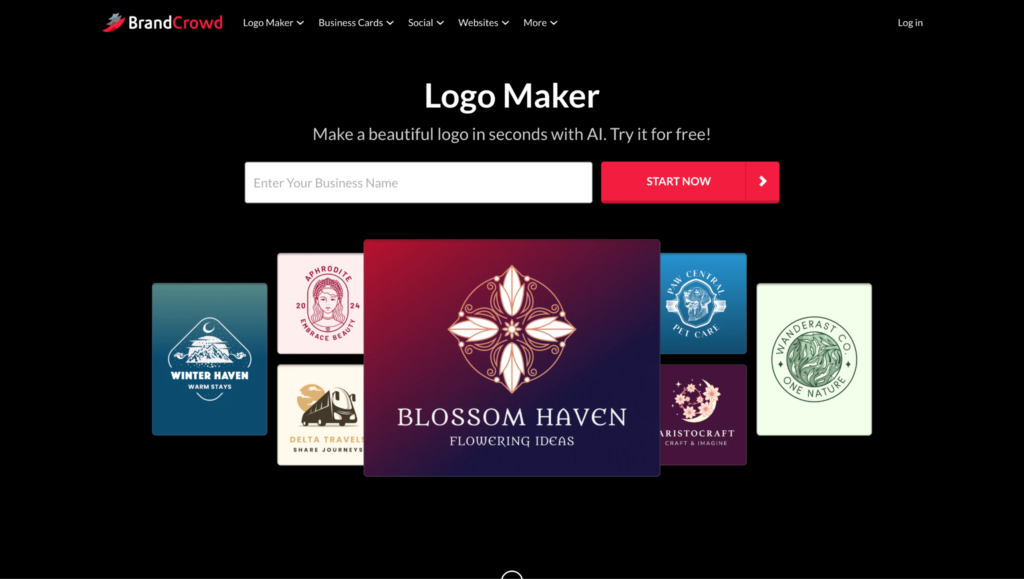
BrandCrowd is another popular tool with a large library and strong branding features.
Key Features
- Large template collection
BrandCrowd offers over 380,000 logo templates and more than 1 million design assets, covering many industries and styles.
- AI logo generation
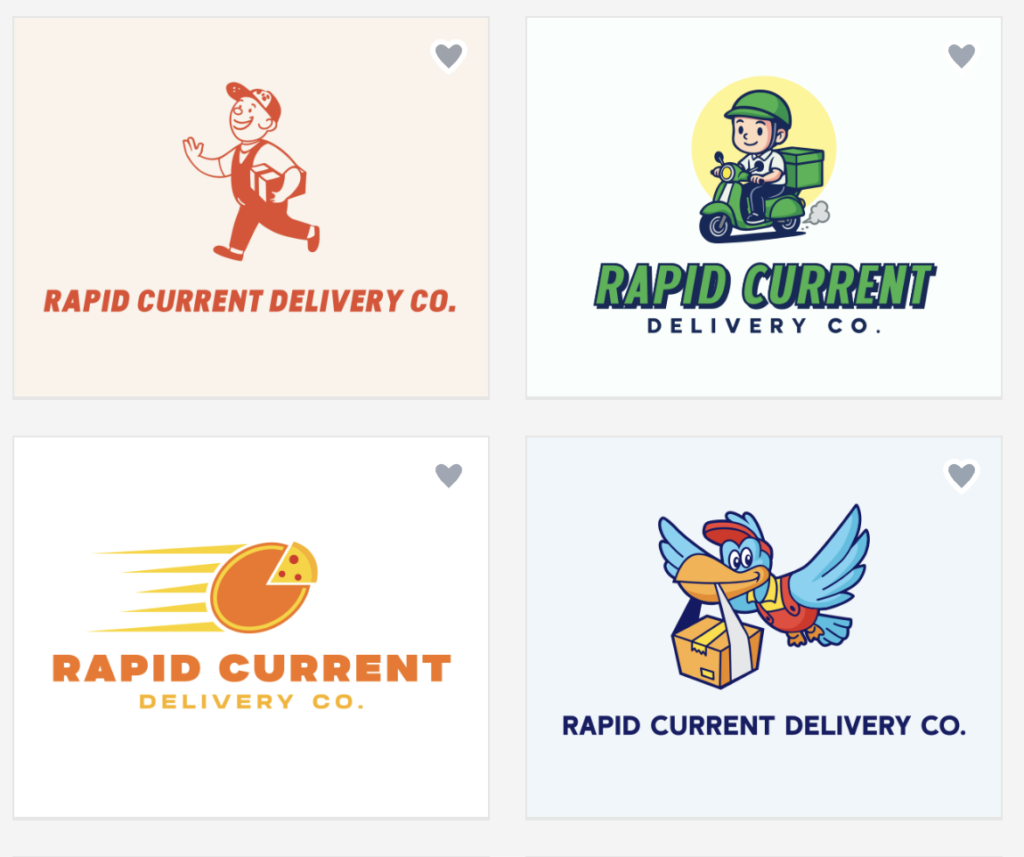
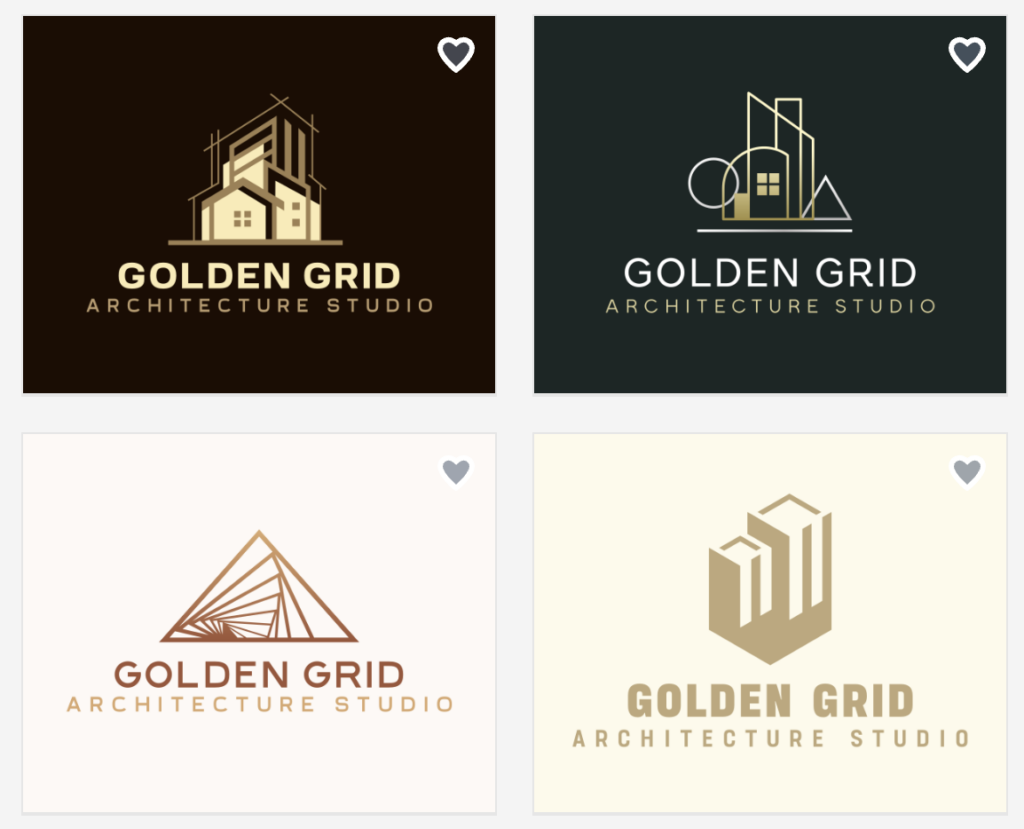
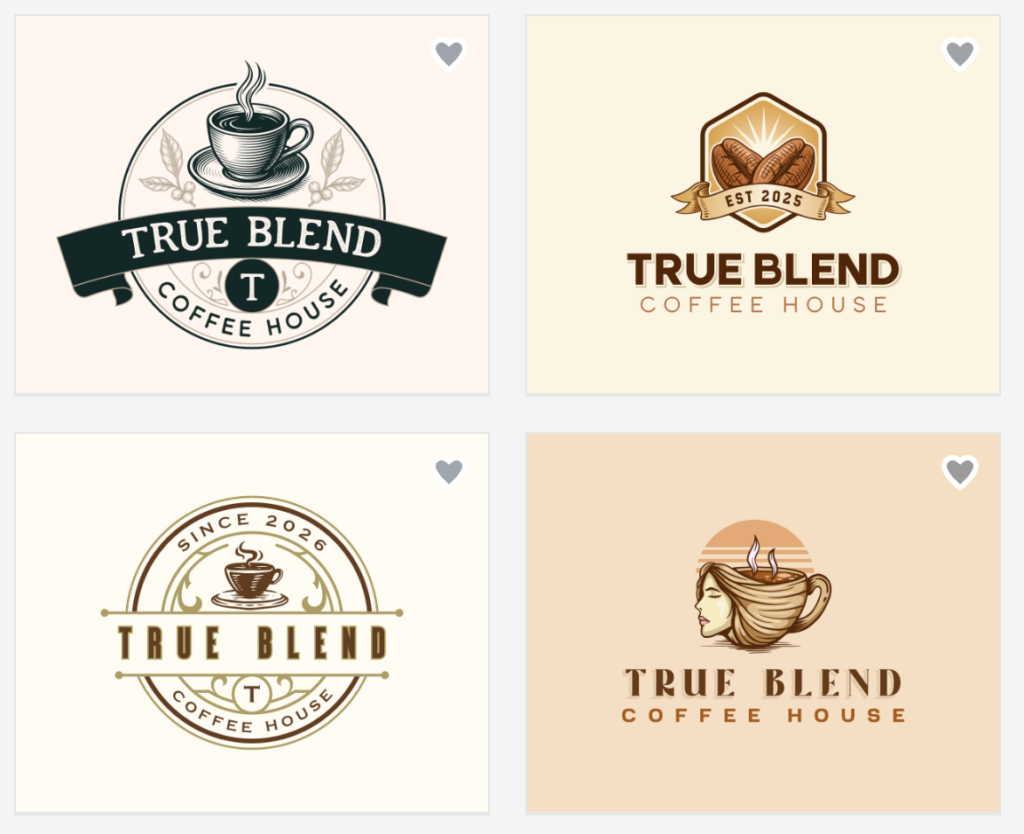
You can enter your business name and quickly get logo ideas created for you. You can check out some examples below:
- Simple editing tools
You can easily change colors, fonts, and layouts to match your brand.
- Many file formats
Logos are available in formats like PNG, JPG, SVG, EPS, and PDF.
- Branding tools included
You can also create business cards and social media designs with your logo.
- Commercial license included
Logos can be used for business, so you don’t have to worry about usage rights.
Overview
- Speed: Instant
- Quality: High
- Options: Many logo variations
Pricing
- Free logos available
You can access and download some logo templates for free.
- Premium plans required for full features
To unlock full downloads, branding tools, and advanced features, you’ll need a paid plan.
Pros
- Lots of design options
- Easy to use
- Strong branding tools
- Good user reviews
Limitations
- Limited advanced customization
- Works only online
Turbologo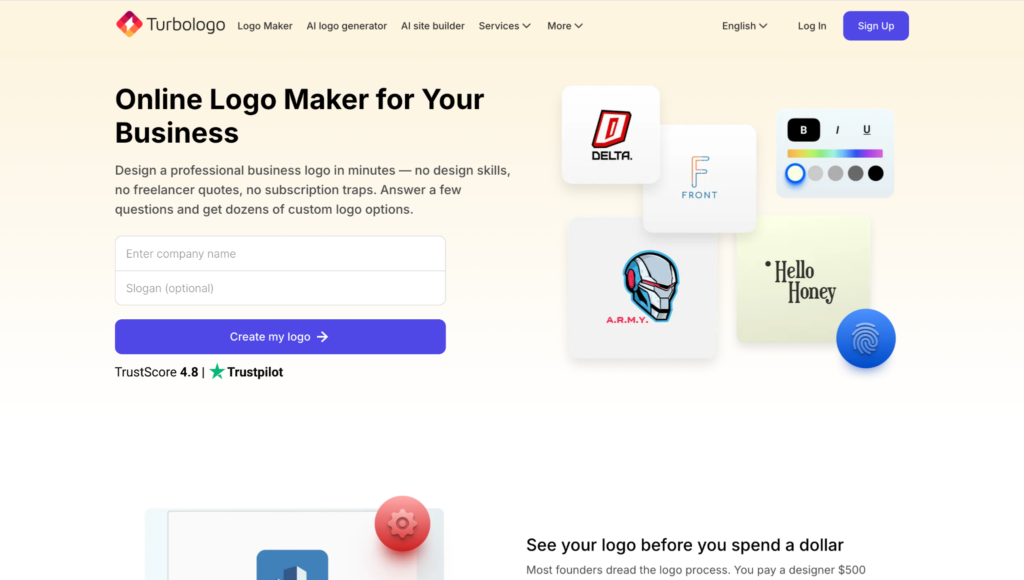
Turbologo is a simpler tool focused on quick logo creation.
Key Features
- Step-by-step logo creation
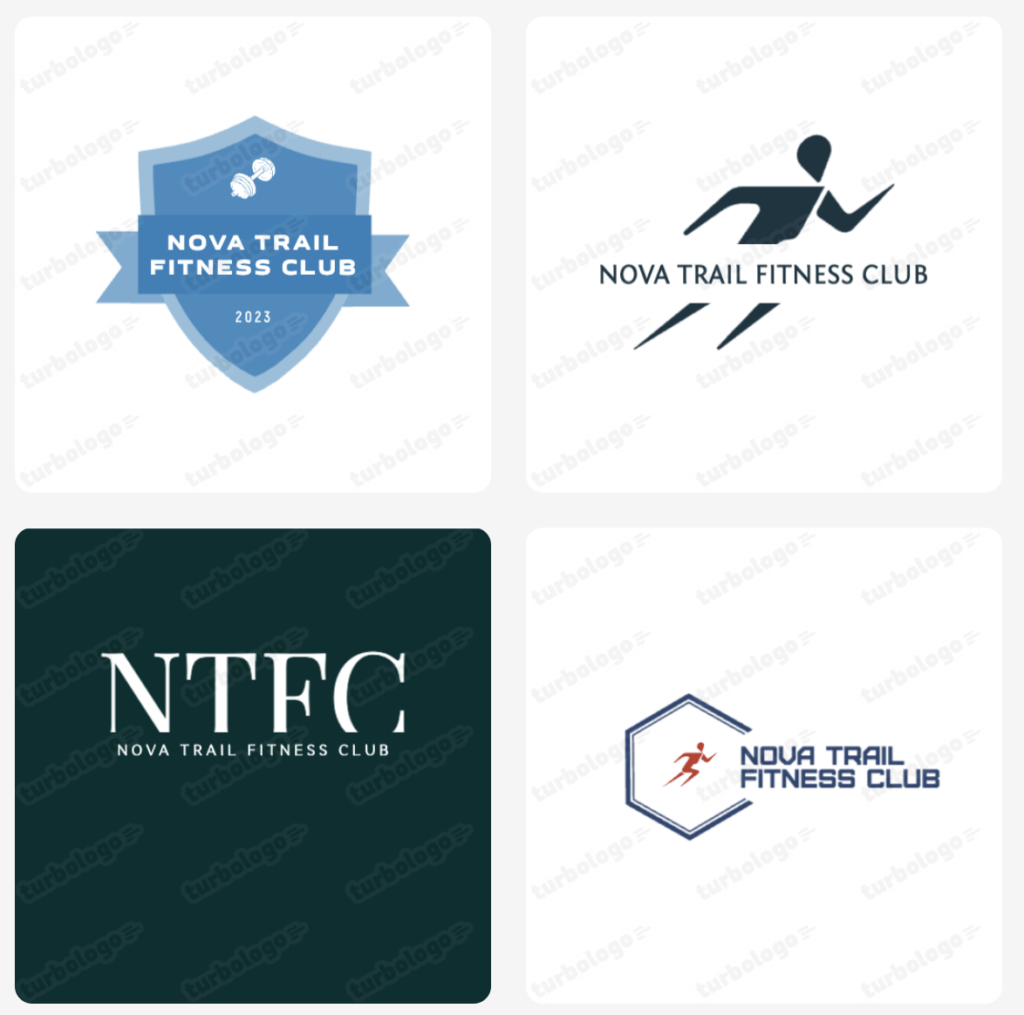
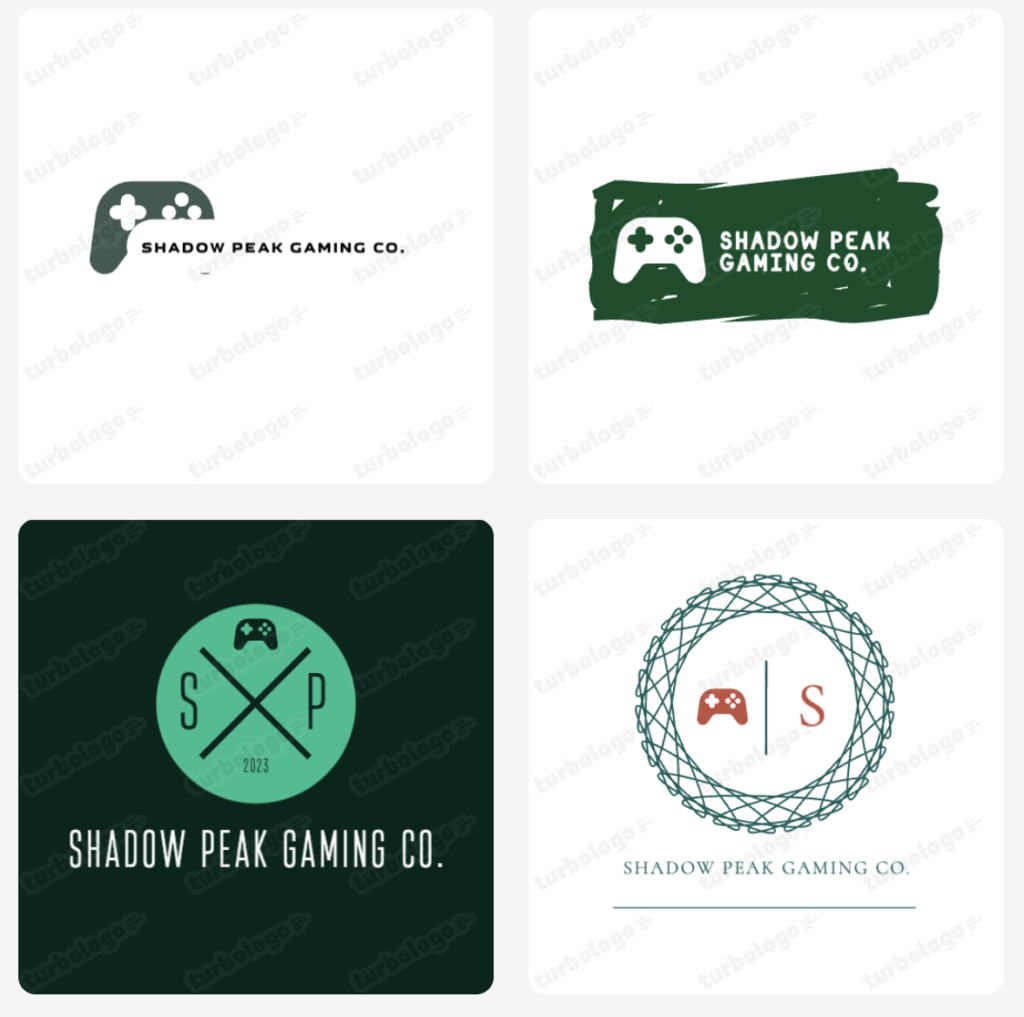
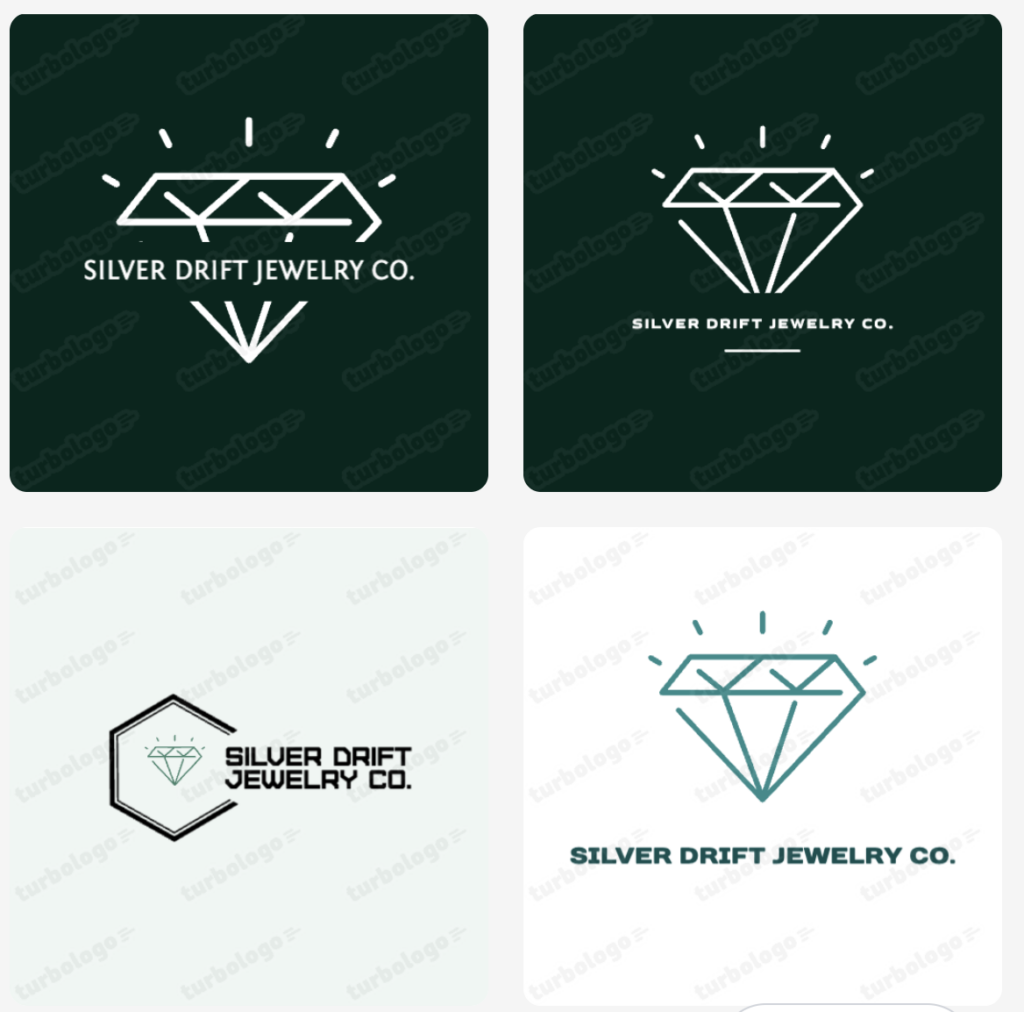
The tool guides you through choosing styles, colors, and icons, which makes it easy to use. Here are some examples of logos that you can make on this platform:
- Customizable designs
You can change fonts, icons, and layouts to fit your brand, but it may take a bit more effort.
- AI-generated ideas
It gives you logo suggestions based on your input, which you can then edit.
- Basic branding tools
You also get simple extras like business cards and social media designs.
- Downloadable logo files
You can download your logo in common formats, depending on your plan.
Overview
- Speed: Medium
- Quality: Average (depends on your choices)
- Options: Fewer ready-made logos
Pricing
- No full free download option
You can create logos for free, but you’ll need to pay to download them.
- Paid plans for downloads
Pricing depends on the package and features you choose.
Pros
- Easy for beginners
- Simple process
- Affordable option
Limitations
- Takes more steps to create a logo
- Designs may need more editing
- Fewer ready-to-use logos
- Limited extra tools
Comparison Table
To make it easier for you to compare these tools, here’s a simple side-by-side comparison.
|
Feature |
Design.com |
BrandCrowd |
Turbologo |
|
Speed |
Very fast |
Very fast |
Medium |
|
Design Quality |
High |
High |
Medium |
|
Templates |
400K+ logos |
380K+ logos |
Smaller library |
|
AI Tools |
Advanced |
Strong |
Basic |
|
Editing |
Easy + AI |
Easy |
Manual |
|
Branding Tools |
50+ tools |
Many tools |
Limited |
|
Best For |
Full branding |
Logo + branding |
Simple logos |
Conclusion
We all know that the logo is one of the most important parts of a brand, and if you want to make one quickly and easily, you will probably need to use a logo generator. Choosing the right logo generator depends on what you need.
If you want an all-in-one platform with fast results and full branding tools, Design.com is a strong choice. If you’re looking for a similar tool with a large template library and solid features, BrandCrowd is also a great option. And if you just need a simple and affordable way to create a basic logo, Turbologo can work well.
Of course, all of these tools can help you create a logo. The best option depends on how much control, speed, and extra features you’re looking for.