Are you looking forward to having a simple but unique logo for your brand? Quick brand logos are a great means of achieving this because they are both flexible and identifiable.
By applying different logo design software, you are able to design many quick brand logos to ensure the identity of your brand. Design.com and Logo.com are leading logo makers in the field, offering quick and simple designs while ensuring the memorability of your brand. With the use of diverse AI tools, they provide interesting design solutions and make sure your logo is ready in a matter of seconds.
The main objective of this article is to compare the two design tools and help readers make a mindful decision when choosing the best quick brand logo creator.
Main Features of the Logo Makers
Design.com: Your Top Choice
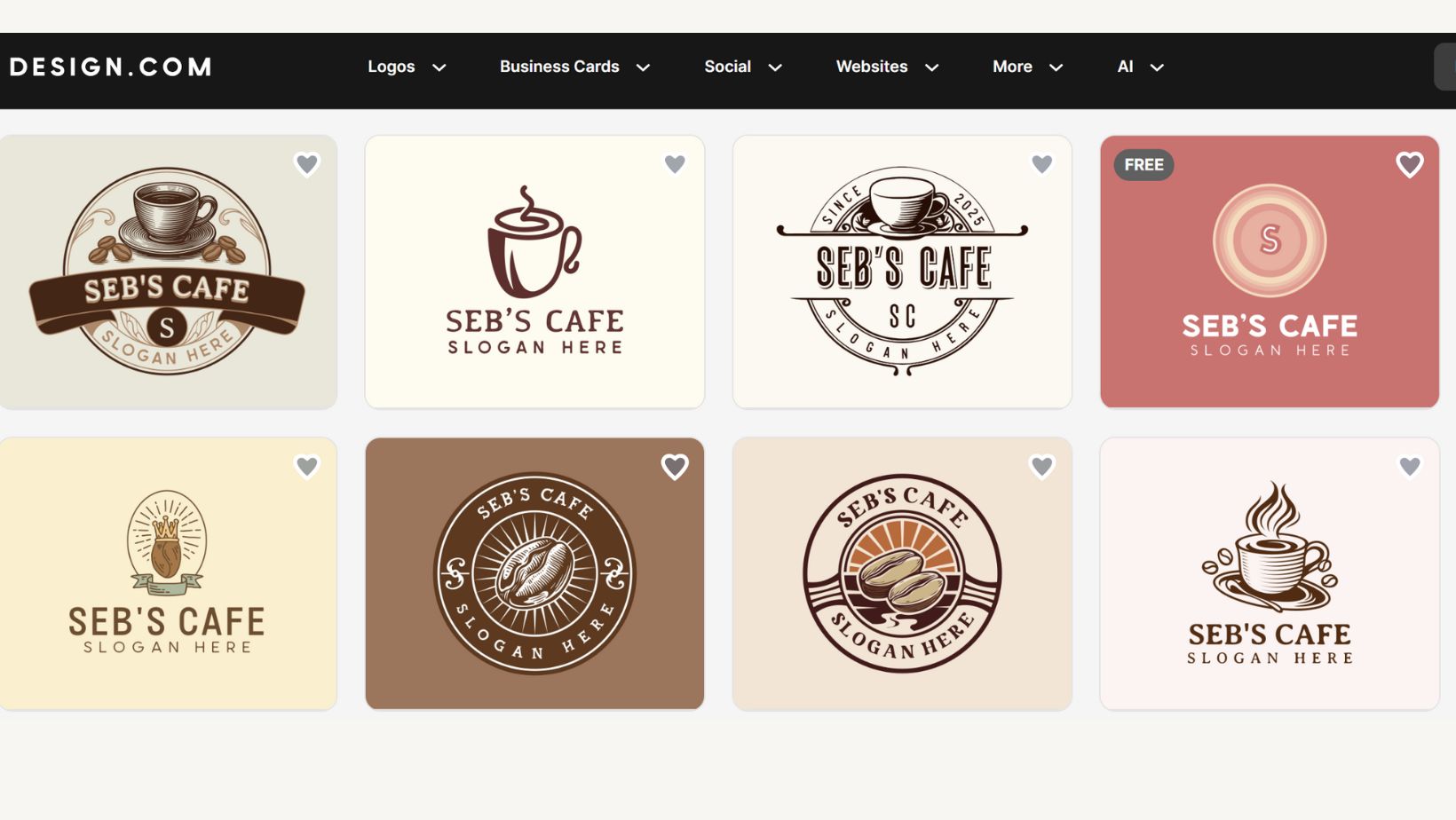
Design.com is the best design platform for all types of users, offering hundreds of quick brand logos. It offers extensive AI support, speed, free access to most of the logotypes, and a user-friendly interface. The platform makes sure its users have all the convenience and tools to have memorable logos and gain trust among customers.
Key Highlights
- High-Rating: Design.com is a highly trustworthy logo maker having a 4.7 Trustpilot star-rating along with 3000 reviews.
- File Format: On the platform, you can have access to diverse file formats, including vector files (SVG, EPS, and PDF), raster files (PNG & JPG), animated files (GIF & MP4), files with transparent background, and icon only option.
- Shortlisting: On Design.com, users can make a favorite list of their logos, enabling them to have access to all the preferred designs and make the final logo design unique and specific to the brand.
- Free Offerings: The website provides users with many free logos that are editable and downloadable in the same way as free and premium logos are. In addition, users can have free access to the website builder, digital business card maker, and link-in-bio maker. However, if you aim to download the assets created with the suite of design tools, you might need a premium plan for that.
These are just a few of the varied benefits why Design.com is a great choice as a rapid logo maker for a brand or business.
Logo.com
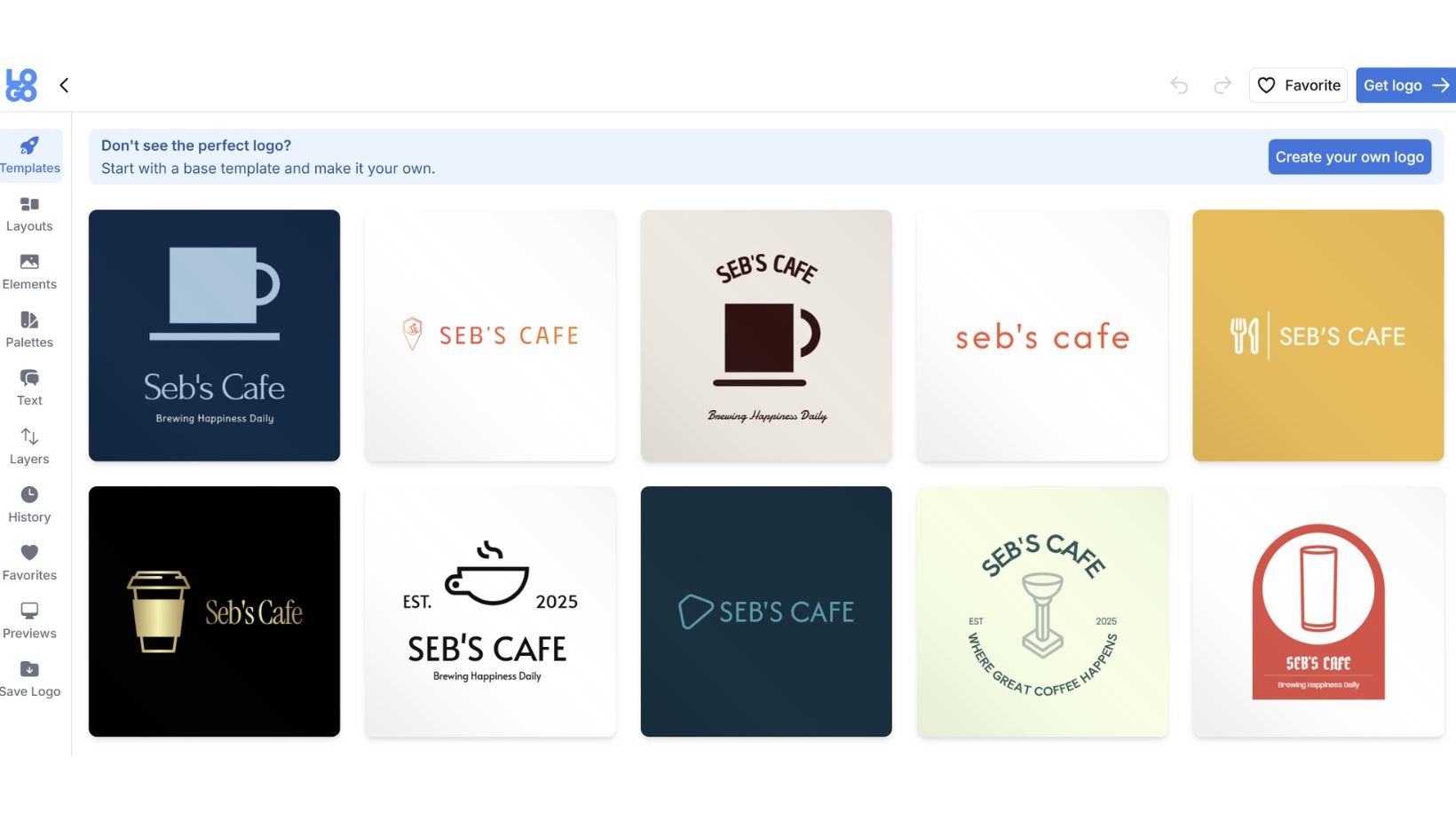
Logo.com is an AI logo-making tool that assists in creating brand logos. The platform offers a user-friendly interface, customization options, and quick design creation.
Key Aspects
- Design Alterations: Users have an opportunity to edit all the letters of their logo, and have access to an endless color options with the shuffle palette to create an interesting logo design.
- File Formats: You can download your logos in various formats, including PDF, SVG, and PNG, which are suitable for many platforms.
- Custom Icons: The ability for clients to generate personal logo icons depending on their organizational information.
These are some of the interesting design options that Logo.com provides as a quick brand logo creator.
Comparison Table
To better identify which of these two logo creators is a better option, let’s compare the core features that each logo maker should provide and see which of the brands responds better to them.
| Main Features | Design.com | Logo.com |
| AI-Integration | There are numerous AI design options, including AI logo generator, AI website builder, AI business cards, AI flyers, AI posters, AI presentations, AI business name generator, AI background remover, and much more. | You can use AI to create a slogan and design for your brand, as well as a domain name, brand kit, or color palette. |
| Template Library | It is the world’s largest logo library, providing 360K logo templates, regardless of the subscription term | For the free option of the tool, there are limited template options; however, the PRO option provides 1200+ templates. |
| Customization Options | There are customization options, including changing colors, fonts, layouts and icons. The platform offers over 62K custom, vector shapes, and over 750+ fonts, 525+ of which are exclusive. | You can edit the color, text, icons, or layout to create your unique logo design. |
| Ownership Terms | The designs are 100% commercially safe, and the brand offers extended licensing, giving exclusive use to its users. | There is ownership over your logo; however, it is not fully guaranteed. |
| Used for | Businesses, entrepreneurs, startups, modern creators, etc. | Entrepreneurs, small businesses, individuals. |
| The Complete Design Suite | The tool goes beyond logo creation, offering 50+ design options, including websites, business cards, QR codes, flyers, posters, letterheads, menus, etc. | Users have an opportunity to use the tool as a website builder, social media assets creator or business brand generator. |
| Pricing Options | There is a free tier on the platform.General plans start from $5/a month. | The tool offers free plans for personal projects.The general pricing starts from $4/a month. |
After comparing the brands, we can come to the conclusion that Design.com wins in most of the sections, offering extensive design options and AI use.
Design Comparison
To be impartial in our comparison, let’s also focus on design elements by comparing the actual logos created by both tools.
Design.com
Logo.com
After looking at the logos, let’s identify the main factors that might grab the user’s attention:
- The color choice of both logos is different. Logo.com’s colors are usually pale and do not grab the viewer’s attention. On the other hand, Design.com provides unique coloring and diverse shades, which in their turn set the tone and, by the shadowing, create a unique contrast.
- The actual design also differs in both cases. In Logo.com’s logos, we do not notice any unique design options, just some simple elements that can be used by any brand. In contrast, Design.com offers unique design options and some elements that will set your brand apart at the same time, ensuring simplicity.
- The font is also quite different. Design.com provides more unique or diverse solutions.
Therefore, even in the quality comparison, Design.com wins with its unique and original design options.
The Takeaway
To make your brand recognisable, you should have a unique and memorable logo.
Design.com and Logo.com, which are both quick brand logo generators, offer interesting options. However, after a deep comparison of the key factors and the design solutions, we came to the conclusion that Design.com wins in most of the sections, becoming a trustworthy and unique solution.
Create your quick brand logo design with Design.com and ensure its professional and unique design.