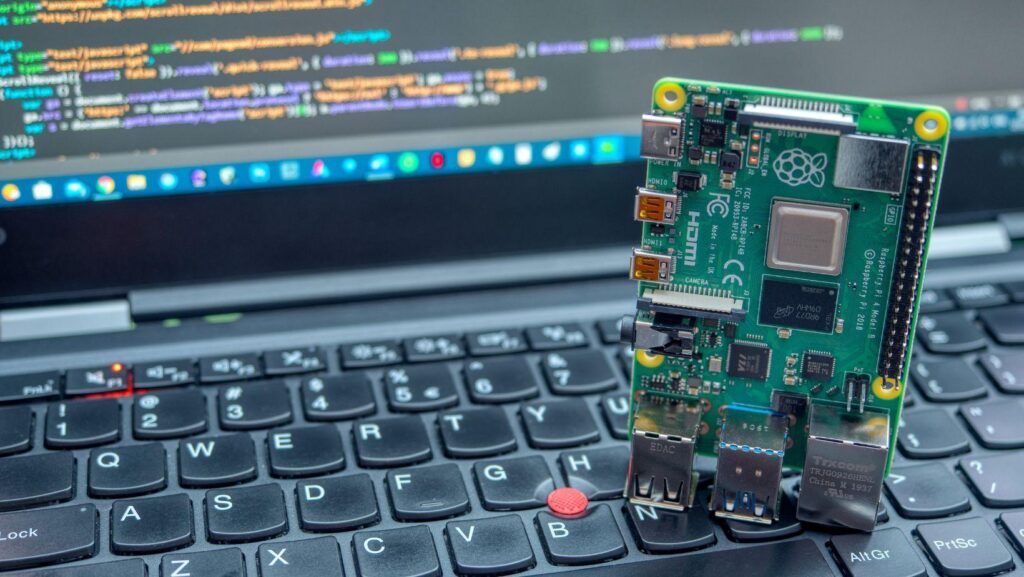
A small computer board needs the right software to power a professional visual display. Store owners face many choices when they select a platform for their screen network. The software features determine how easy the system operates from day to day.
Smart buyers look for specific tools that save time and reduce technical problems. This article lists the top features to look for in raspberry pi digital signage software.
Remote Screen Access for Businesses
A manager should control every display from a web browser without a store visit. Raspberry pi digital signage software provides a central dashboard for all screen devices. This remote access allows a user to change content on one screen or one hundred screens at once. The system shows the current status of each device, such as online or offline. A quick reboot command fixes most playback issues from a remote computer. This feature eliminates travel time between multiple store locations.
Content Scheduling Across Multiple Displays
Different screens may need different messages at different hours of the day. A breakfast menu should appear in the morning, and a lunch menu should appear at noon. The software permits a user to set exact start and stop times for each media file.
Here is how a schedule improves daily operations:
This schedule tool keeps content fresh and relevant for every customer visit.
Media Playback Support for Store Campaigns
A visual display must handle many file types without errors or format problems. The software should play standard video files, static images, and web pages on a loop.
The necessary playback features for a store campaign include:
A system with wide format support saves time on file conversion for every new advertisement.
App Integration for Business Tools
A store already uses software for social media, weather reports, and sales data. The display software should pull information from these existing accounts. Raspberry pi signage software with app integration connects to third-party tools without extra work.
The most useful app connections for a retail store are:
Multi-User Access for Marketing Teams
A single store or a large chain may have several people who create screen content. The software must allow different access levels for each team member.
The main advantages of multi-user access are:
This permission structure prevents mistakes and keeps the screen content professional at all times.
The right software turns a simple computer board into a powerful communication tool for any shop. Remote access, scheduling tools, and multi-user permissions save time for a busy retail team. The one actionable step for a store owner is to test the app integration feature first. Connect a social media feed or a weather report to the screen. If that connection works without trouble, the other features will function well too.